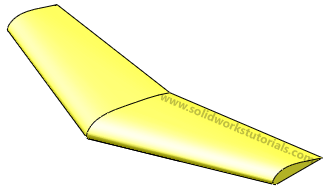
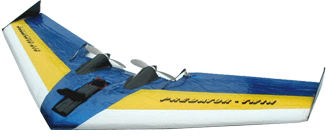
Last week my friends ask me how to model RC (remote control) wings in solidworks? He tried to model by extruding the sketch but it didn’t reflect what the real wings. So he email me this picture of RC wings for me to look at. After reviewing the wings shape, I told him he can model these wings by loft features. Let’s model these wings together.
1. Click New,  Part
Part  and OK.
2. Click on Right Plane and click Sketch.
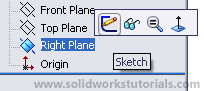
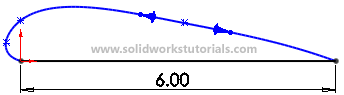
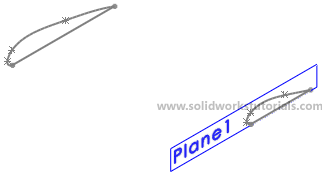
3. Sketch a center aerofoil profile at this plane. Click Line,  sketch a horizontal line, click Smart Dimension
  and dimension the line as 6in.
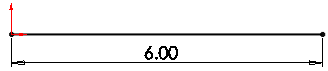
4. To create top curve of aerofoil, click Spline,  and sketch top curve as sketched below, to end Spline press Esc key.
Exit the sketch. 
5. For another aerofoil profile at wing tip, you need to create another plane. Click on Right Plane  and click Reference Geometry>Plane
 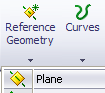 set distance between plane as 10in
 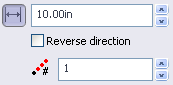 and
and  .
.
6. Click on Plane 1 and click Sketch.
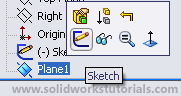
7. Click Line, sketch a horizontal line on same level as first sketch a bit off set from origin, click Smart Dimension and dimension sketch as sketched below.
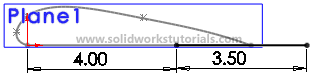
8. To create top curve of aerofoil, click Spline, and sketch top curve as sketched below, to end Spline press Esc key.
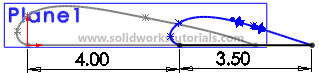
Exit the sketch.
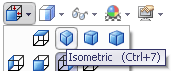
9. Click View Oreintation>Isometric.
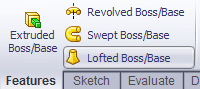
10. Click Features>Lofted Boss/Base,
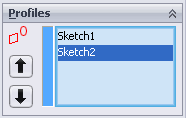
click Sketch1 and then Sketch2.
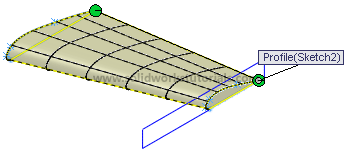
and .
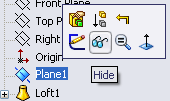
11. To hide Plane 1, click Plane 1 and click Hide.
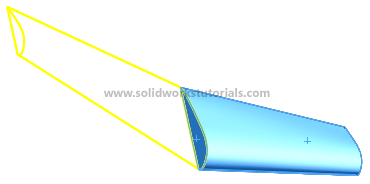
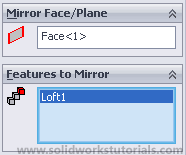
12. Now let make the full wings, click on Mirror.  Turn the wings to right side and select center face as a Mirror Face/Plane.
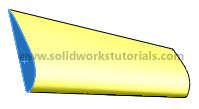
Click on wing body as Features to Mirror
and .
13. You’re done.