Cool transparent part.. Is great for viewing in assembly, have you try it?
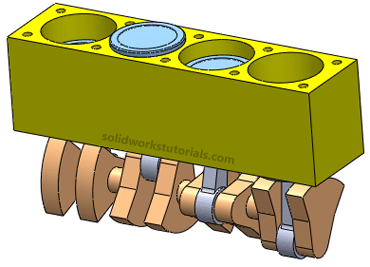
You start with something like this…
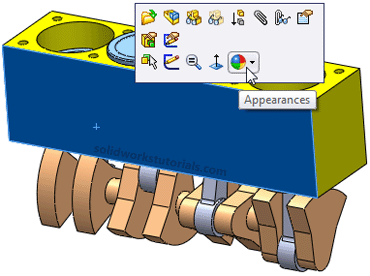
Click on part body and select Appearances
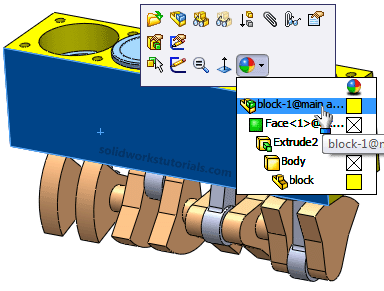
Select the top in the list…
On left side, Appearance, set Transparency to 0.50 and OK.
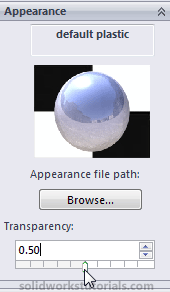
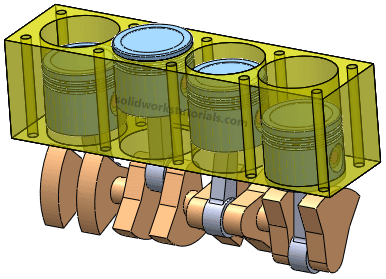
And you got this.. Give it a try…


Advertise at this blog | About
Farmville Cheats
SolidWorks® is a registered trademark of Dassault Systèmes SolidWorks Corp.
www.solidworkstutorials.com website is not affiliated with SolidWorks® Corp.
© 2010 SolidworksTutorials.com. All Rights Reserved.
April 21st, 2010 at 12:55 am
So simple yet effective
thanks for the insight