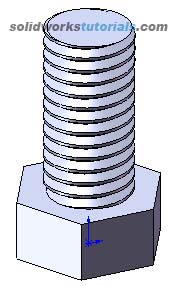
1. Sketch a polygon with 6 side, Tools>Sketch Entities>Polygon 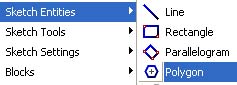 set diameter to 0.75in.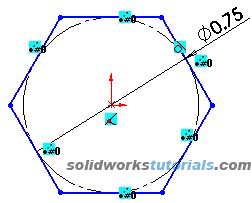
2. Extrude sketch to 0.34in.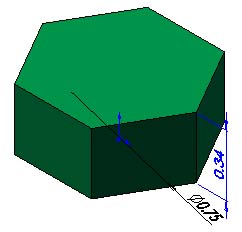
3. Create minor diameter for thread, sketch circle on top face, set diameter to 0.4in.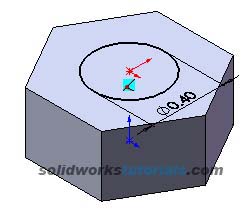
4. Extrude sketch to 1.1in.
5. Click end edge of thread shaft,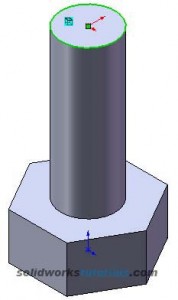 click convert entities
 .
.
6. Select Helix/Spiral feature  set height to 1.2in, theap per inch=pitch 13/1in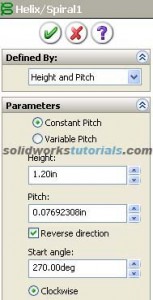
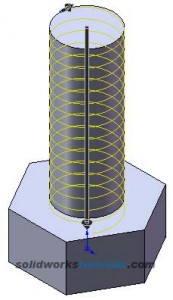 Ok.
Ok.
7. Right click on Front plane, Insert sketch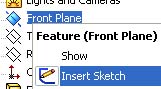 sketch thead profile.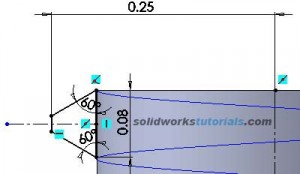
8. Click sweep feature  ,
,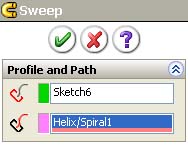 select sketch profuile as sketch and helix as a path, OK.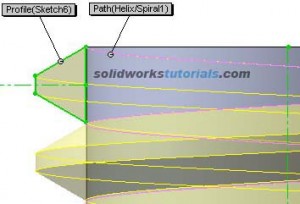
9. Create skecth a circle on the end shaft,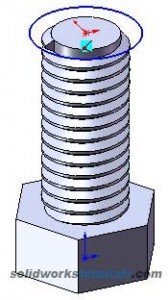 extrude cut 0.1in
  .
.
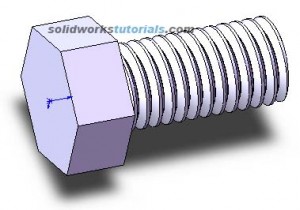
10. Finish.