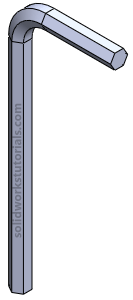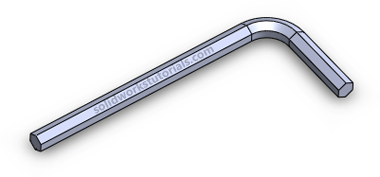
In this solidworks tutorial, you will create simple allen key.
1. Click New.  Click Part,
  OK.
OK.
2. Click Front Plane and click on Sketch.
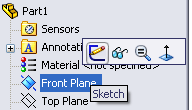
3. Click Line, skecth a L shape.
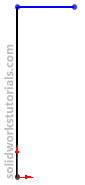
4. Click Smart Dimension,  and dimension sketch as 2.5″ and 1″.
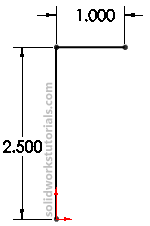
5. Click Sketch Fillet,  add 0.3″ fillet at L corner.
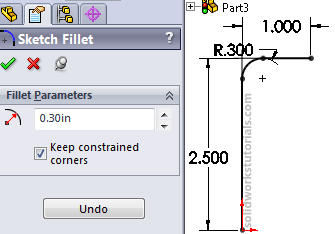
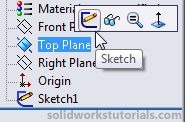
6. Exit sketch,  click on Top Plane and click Sketch.
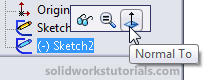
7. Click on Sketch2 and click Normal To.
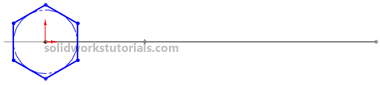
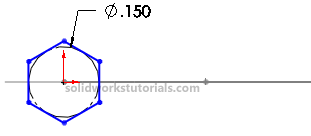
8. Click Polygon,  sketch a polygon at origin.
9. Click Smart Dimension, and dimension sketch diameter to 0.15″.
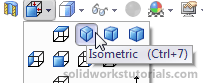
10. Exit sketch, click on Isometric view.
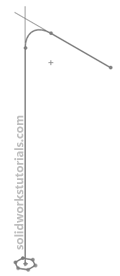
11. Click Features>Swept Boss/Base, 
for profile click on Sketch2 and for path click on Sketch1 and OK.
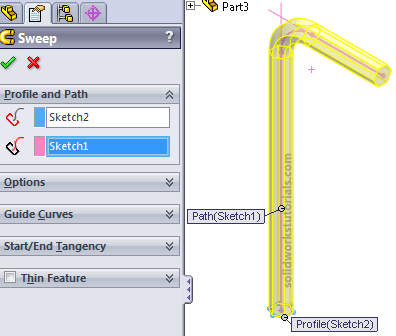
You’re done!.